Download GitSy
Get started with Git-based folder synchronization today
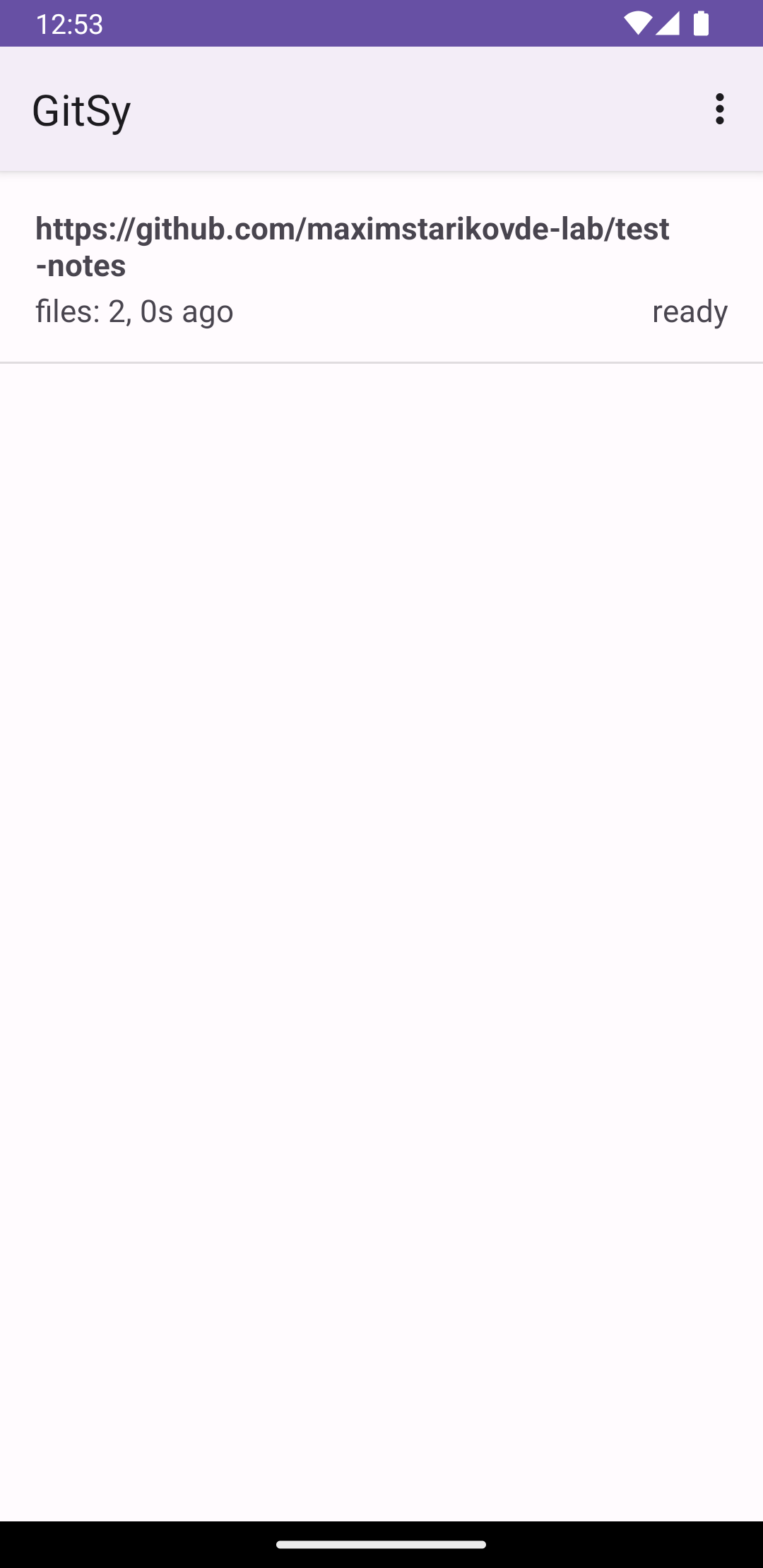
GitSy for Android
Synchronize a selected Android folder with an HTTPS or SSH Git repository.
Native Android App
Git Folder Sync
SAF Folder Access
Credential Protection
Installation Guide
1
Download the App
Enroll in the GitSy closed test on Google Play first, then install the app from Google Play. Technical release assets and checksums are available on GitHub Releases.
Setup Your Repository
Create a new repository on GitHub, GitLab, or your preferred Git hosting service for storing your notes.
2
3
Connect and Sync
Open GitSy, connect the selected folder to your repository, and run synchronization from the app.
Download GitSy today and test Git-based folder synchronization.
Download GitSy